01
Installs what's missing.
It checks your computer and sets up Git, Node and the agents. No commands to learn.


Put Claude Code, Codex, Gemini, Grok, OpenCode or a local model to work on your folders and repos, with your own accounts.
Claude Code Codex Gemini Grok OpenCode a local model$ npx @danil-labs/terminus Free and open source Apache 2.0 Bring your own AI plans
The problem
Your team already works with agents. Just not in one place: a terminal here, a chat tab there, a copy of the repo nobody remembers.
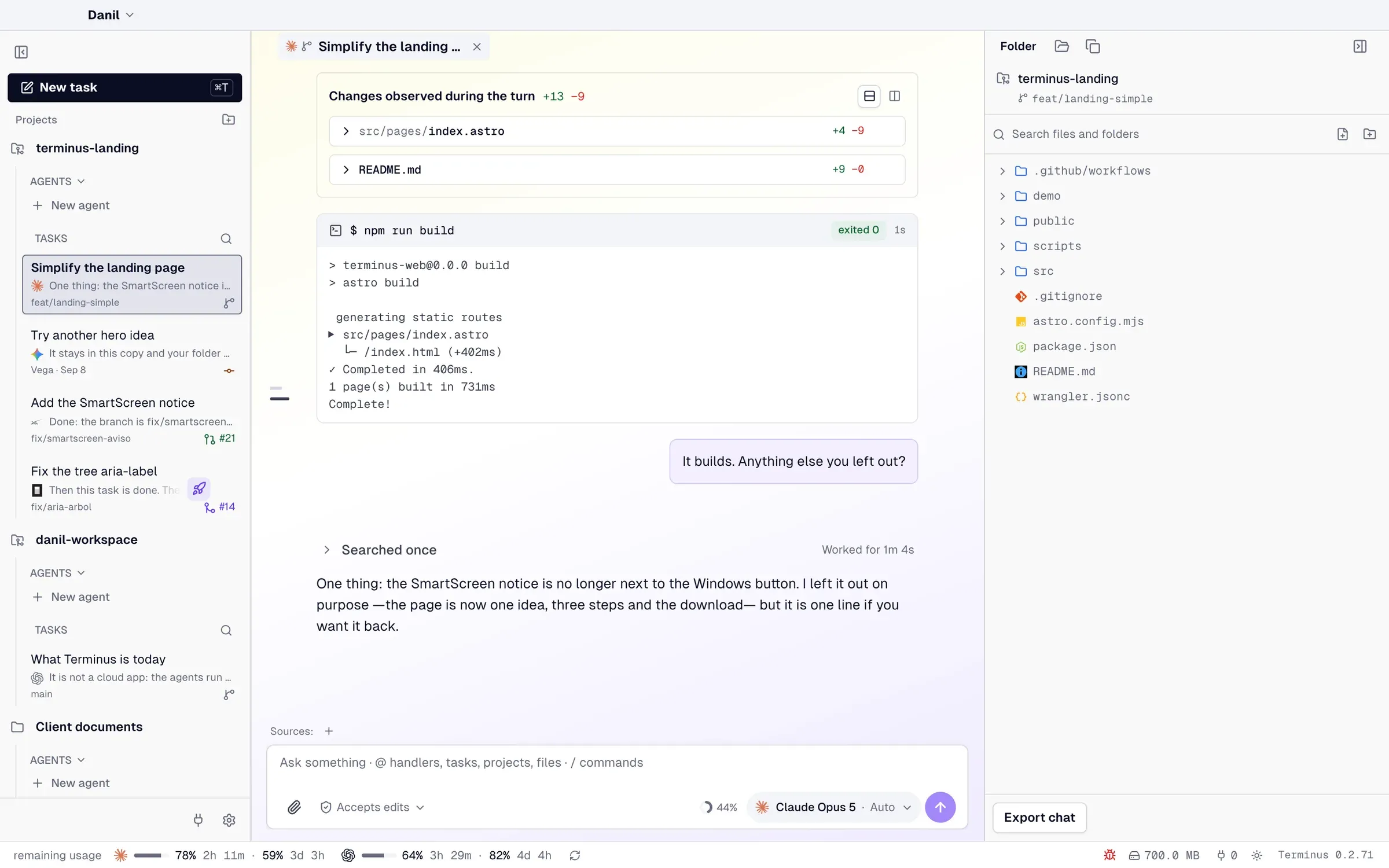
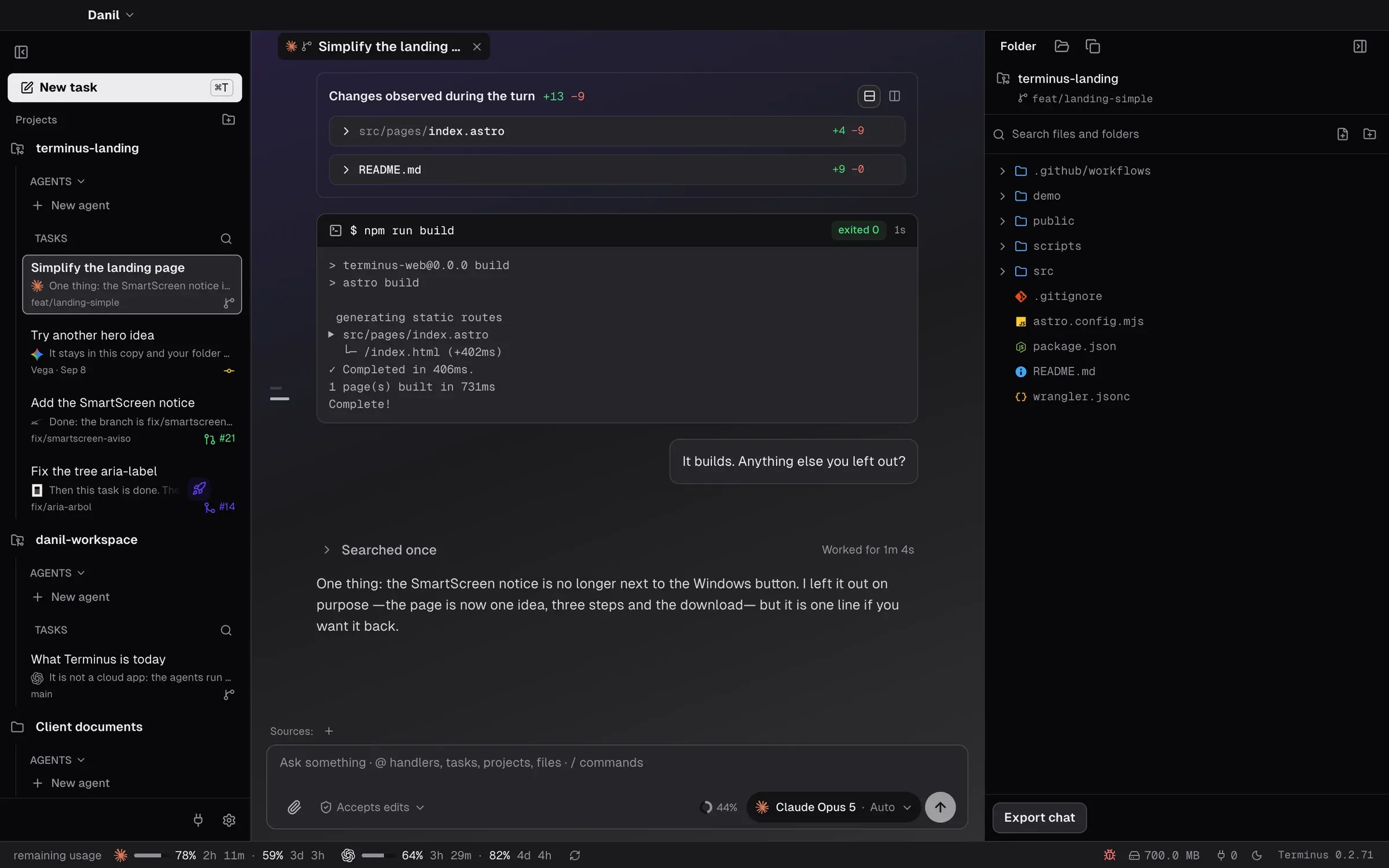
Terminus gives every task a home. One window. Its own copy. The agent you choose.
Every screen on this page is Terminus itself, running on demo data.
Try the live demoClaude Code, Codex, Gemini, Grok, OpenCode or a model on your machine. Per task, with its own model and reasoning.


Manual, accepts edits or automatic. In manual you see each step before it runs — where the agent supports it.


Questions arrive with options. Your answer stays in the thread, next to what the agent did with it.


Every turn shows its diff, the commands it ran and their output. Nothing hides in a scrollback.


Orchestration
Create the agents you need. They split the work, talk to each other and come back with answers, while you think about what's next.
A name and what it does. Each one works by its own criteria and remembers what it learns.
One agent opens tasks for the others, in parallel, each in its own copy. Their answers come back in the same turn.
They work with your permissions. Anything destructive or outside the brief comes back to you.
It checks your computer and sets up Git, Node and the agents. No commands to learn.
Sign in with the subscriptions you already pay for, and see what's left of each.


A repo task gets its own work tree. A documents task drafts until you save it.


A window for people. A CLI for agents, on the same tasks and the same backend.
              # what an agent reads before it starts


              $ terminus guide


              $ terminus agent-context --json


              # same tasks, same backend as the window


              $ terminus --help
Works with
Use Terminus alone. Or connect a workspace to Radiant, and your organization's gateway is one sign-in away.
Context, skills, tools and permissions for every agent. CLI · MCP · Auth.
Try Radiant → 02 · Work · you are hereYour team works with any agent, from the desktop, on its own folders.
Download → 03 · CustomersAgents that answer on WhatsApp, Instagram, Messenger, email and the web.
Try Danil Agents →Settings → Radiant connects a Terminus workspace to Radiant Cloud or your own server.
No. Write the task the way you'd tell a teammate. It works on a folder of documents as well as on a repo.
Claude Code, Codex, Gemini (through Antigravity), Grok and OpenCode, with your own subscription. Local models run on your computer and need no account.
No. They go from your computer to your AI provider. If you connect a workspace to Radiant, it receives your sign-in and, if your organization asks for it, usage per turn — never your files, transcripts or paths.
Each task works in its own copy: a work tree in a repo, a draft in a documents folder. You decide when a draft is saved. In a repo, the agent can commit if you ask it to.
Terminus is free and open source under Apache 2.0. You pay your AI provider, as you do today.
macOS (Apple Silicon and Intel), Windows 10 or 11 (64-bit) and Linux x86_64 as an AppImage (Ubuntu 22.04 or later). It updates itself. With Node: npx @danil-labs/terminus.
$ npx @danil-labs/terminus